Configure Proxy Settings in Debian
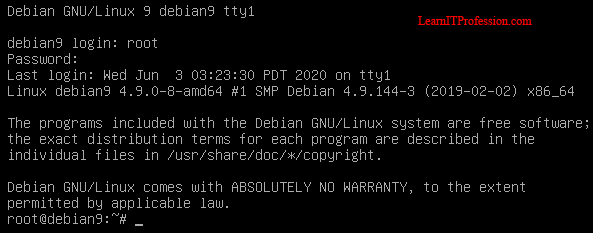
Configure Internet Proxy Settings in Debian 9.8 Internet Proxy settings is use for the client computers (Linux, Windows, MAC and etc) to connect with internet. Most of the enterprise sectors and well repute industries deploy proxy servers or proxy base firewall devices in infrastructure. The main reason to deploy the proxy servers monitor the client activities by their username specially in Domain Controller environment means Active Directory. You can configure the internet proxy settings in Debian 9.8 through command line or graphical user interface, This is the configuration of internet proxy settings through command line. Login with root user and password. To view the IP address of Debian Linux 9.8 enter the below command. Here two IP addresses is showing. The first IP address is loop back address, loop back address use to test Network Interface Card (NIC). The 2nd IP address is Debian Linux 9.8 main IP address, its interface name is ens33 . ip address To configure the internet...